SQL: the fastest way to start coding (and why SuiteQL comes next)
When people ask me where to start learning how to code, my answer is almost always the same: SQL.
Not Python. Not JavaScript. SQL.
The reason is simple: with SQL, you can be productive the same day you start learning it. If you already understand tables, rows, columns, and relationships (which most finance and accounting professionals do), SQL will feel immediately familiar.
That doesn’t mean SQL is simple forever. It can get very complex—CTEs (WITH clauses), window functions, subqueries, and performance tuning can go deep. But you don’t need any of that to start being useful.
With just a handful of core concepts, you’re already dangerous.
What is SQL?
SQL (Structured Query Language) is a language used to query data stored in tables.
You don’t use SQL to build applications or design systems. You use it to retrieve, filter, combine, and shape data that already exists.
With SQL, you can:
- Select only the fields you care about
- Narrow large datasets to relevant records
- Join related tables using shared identifiers
- Transform raw data into structured outputs
At its core, SQL is about turning stored records into information you can actually use.
Why SQL matters
Most business data already lives in databases:
- ERPs
- CRMs
- Data warehouses
- Analytics platforms
SQL is the common language that lets you interact with all of them.
Once you know SQL, you’re no longer limited by:
- What a UI exposes
- Predefined reports
- One-size-fits-all exports
Instead, you can:
- Pull exactly the data you need
- Answer questions quickly and repeatedly
- Build logic that’s transparent and auditable
- Move naturally toward automation and APIs
That’s why SQL is often the first “real” coding skill people pick up in analytics, finance, and data work—it gives you immediate leverage over the data you already have.
The core building blocks
You don’t need to learn all of SQL at once. Start with these:
Select — what do you want?
SELECT tells the database which columns you want to see.
SELECT id, name, amount
Think of it as choosing columns in Excel.
From — where is the data?
FROM tells SQL which table to read from.
SELECT id, name
FROM customers
This is your data source.
Where — filter the data
WHERE filters rows based on conditions.
SELECT *
FROM transactions
WHERE amount > 1000
Very similar to Excel filters.
Like — pattern matching
LIKE helps when you don’t know the exact value ie a wildcard.
SELECT *
FROM vendors
WHERE name LIKE '%Amazon%'
This is especially useful with messy or inconsistent data.
Join — combining tables
This is where SQL really starts to shine.
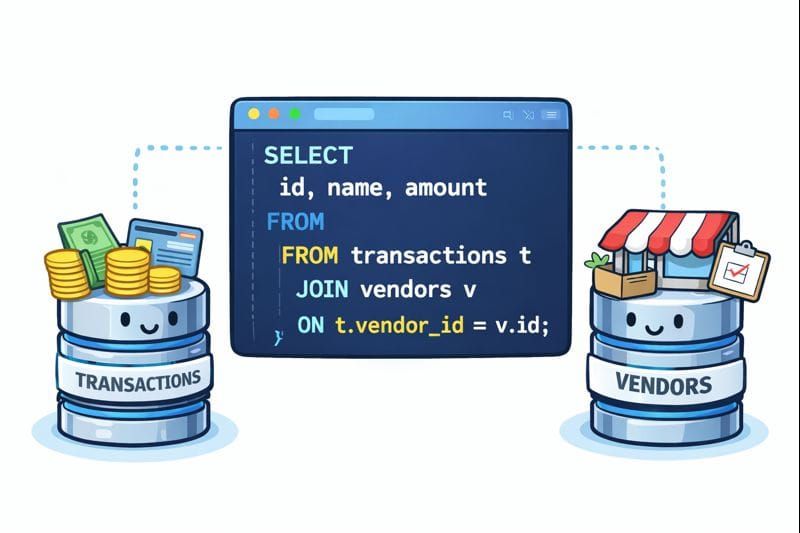
A JOIN lets you combine data from two tables using a common identifier, usually a primary key in one table and a corresponding reference in another.
SELECT
  t.id,
  t.amount,
  v.name
FROM transactions t
JOIN vendors v
  ON t.vendor_id = v.id;
Why do we use t and v?
The t and v are table aliases:
transactions tvendors v
They are simply short names that make queries easier to read and write—especially as queries grow.
Instead of writing:
transactions.amount
vendors.name
You can write:
t.amount
v.name
What connects the tables?
This line is the key:
ON t.vendor_id = v.id
Here’s what’s happening:
v.idis the primary key of thevendorstable (a unique identifier)t.vendor_idreferences that same vendor in thetransactionstable
That shared identifier allows SQL to correctly match each transaction to its vendor.
If you’ve used VLOOKUP or XLOOKUP in Excel, this is the same concept—just more explicit and more reliable.
⚠️ A quick word of caution on joins
Joins are extremely powerful, but they are also one of the most common sources of errors in SQL queries.
It’s important to get familiar with concepts like:
INNER JOINLEFT JOINRIGHT JOINFULL JOIN
Using the wrong type of join can easily lead to:
- Missing data
- Duplicated rows
- Inflated totals that look correct at first glance
When in doubt, start with a LEFT JOIN, inspect the results, and validate row counts before trusting the output.
Why this is enough to get started
With just:
SELECTFROMWHERELIKEJOIN
You can already:
- Pull clean, targeted datasets
- Answer real business questions
- Understand how data is structured
- Build a foundation for automation and APIs
Everything else in SQL builds on these ideas.
If you want to learn and get hands-on experience, I’ve always liked:
https://www.w3schools.com/sql/
It explains SQL concepts in a very approachable way and includes a built-in SQL editor so you can practice immediately without setting anything up.
From SQL to SuiteQL
Once you understand basic SQL, transitioning to SuiteQL is straightforward.
SuiteQL is NetSuite’s SQL-like query language that allows you to query NetSuite data directly through APIs. Which means, you will be able to execute queries directly from your Python scripts (note that if you want to set up a SuitQL editor in NetSuite, Tim Dietrich developed a great solution).
Instead of relying on:
- Saved searches
- CSV exports
- Manual filtering
You write a query and get structured results back.
Using SuiteQL via API
In the companion notebook, we walk through how to run SuiteQL queries using NetSuite’s REST API.
The flow looks like this:
- Authenticate to NetSuite (same OAuth1 setup as before)
- Write a SQL-style query
- Pass the query as the payload to the API
- Receive structured results
Conceptually, this is no different from querying a database.
A simple SuiteQL example
Here’s an example from the notebook that queries NetSuite accounts:
SELECT
  id,
  acctnumber,
  name
FROM account
This query:
- Returns only the fields you care about
- Avoids over-fetching data
- Produces clean, predictable results
Instead of exporting everything and cleaning later, you ask a precise question and get a precise answer.
Why SuiteQL matters
SuiteQL:
- Feels familiar if you know SQL
- Works naturally with APIs
- Makes NetSuite data easier to reason about
- Fits cleanly into automation workflows
If you already understand the basics of SQL, SuiteQL feels like a natural extension of what you already know—not something entirely new. In future posts, we’ll use SuiteQL as part of more complex automations.