Coding Without the Syntax: Using AI Agents (Cursor and Claude Code)
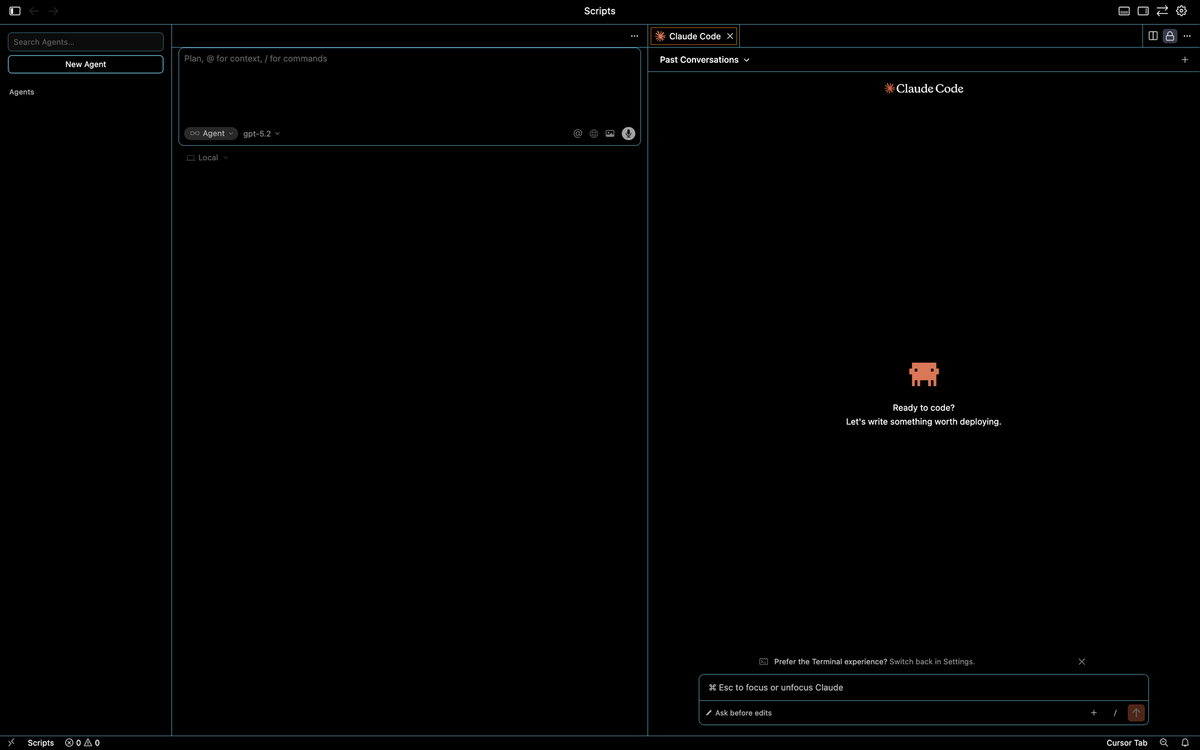
One of the biggest shifts in modern coding isn’t a new programming language or framework — it’s the rise of cloud code agents and how they change who can code and how code gets written.
With tools like Cursor or Claude Code, coding is no longer about memorizing syntax. It’s about clearly describing intent and validating results. This post focuses on the practical side: how agents work in Cursor, how easy they are to set up, and why this approach—often called vibe coding—makes coding accessible to almost anyone.
Cursor and Code Agents: The Practical Mental Model
When you use Cursor, you’re working with a code agent that understands your project.
The simplest way to think about it is this:
- You open a folder
- You grant the agent access to that folder
- Everything inside that folder becomes the agent’s working context
That folder is the boundary. The agent can read files, create new ones, and modify existing code—but only within the project you’ve opened. This scoped access is especially important for accounting and finance workflows, where control and clarity matter.
Once the folder is open, the agent can:
- Read existing files
- Create new files
- Modify multiple files at once
- Reason about how the pieces fit together
This is very different from older AI tools that only looked at a single snippet at a time.
Installing Claude Code in Cursor
Cursor includes agent functionality by default. If you want stronger reasoning and clearer explanations, you can add Claude Code.
Installing it takes less than a minute (detailed instructions are also found in Claude's website):
- Open Cursor
- Go to Extensions
- Search for Claude Code
- Install and enable it
There’s no infrastructure to manage, no API keys to configure, and no setup scripts to run.
Cloud code agents (including Claude Code) require a paid membership, though some limited functionality may be available to try for free.
Once enabled, Claude operates directly within the context of the folder you’re working in.
What “Vibe Coding” Looks Like in Practice
With an agent in place, the coding workflow changes.
Instead of writing code line by line, you:
- Describe what you want to build using natural language
- Let the agent propose an implementation
- Review the result
- Ask for changes or refinements
This approach is often referred to as vibe coding.
Behind the scenes, the agent typically:
- Proposes an initial solution
- Reviews its own output
- Iterates internally
- Only then presents code for you to run
You’re collaborating with the agent as it loops through its own reasoning, rather than writing everything from scratch.
A Simple Vibe Coding Example
Let’s make this concrete.
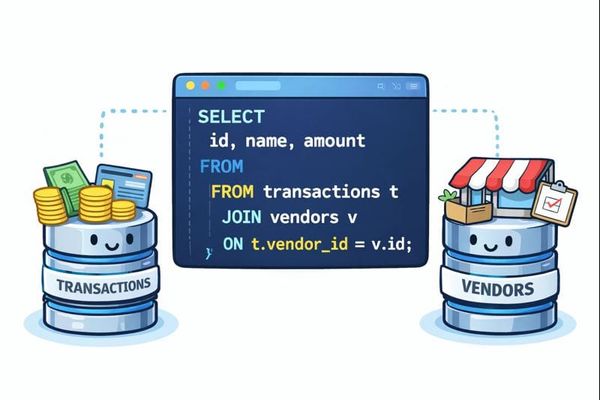
Imagine you open a folder called data_cleaning in Cursor. Inside that folder, you already have two files:
transactions.csvvendors.csv
Now, instead of writing code manually, you prompt the agent.
Example prompt
Create a script calledclean_file.ipynbthat reads a CSV file calledtransactions.csvand a file calledvendors.csv, loads them into dataframes, joins them usingvendor_id, and outputs the result as a CSV file.
That’s the entire instruction.
No syntax. No library choices. Just intent.
What the agent does
From there, the agent will typically:
- Choose appropriate libraries (for example, pandas)
- Create a new notebook called
clean_file.ipynb - Write code to:
- Load both CSV files
- Join them on
vendor_id - Export the resulting dataset as a new CSV
- Review and refine its own solution
- Present a draft for you to run
Your role is to:
- Read the notebook
- Validate the logic
- Run the cells
- Confirm the output matches expectations
Why This Makes Coding Accessible
This workflow removes many of the traditional barriers to coding.
You no longer need to:
- Memorize syntax
- Know which libraries to use ahead of time
- Start from a blank file
Instead, you focus on:
- Business logic
- Data relationships
- Whether the results make sense
💡 For accountants and finance professionals, this is a natural fit. You already know what needs to happen—the agent helps translate that intent into code.
A Note on Responsibility
Vibe coding doesn’t remove the need for judgment.
Especially in accounting and finance:
- You should understand what the code is doing
- You should validate outputs
- You should treat agent-generated code as a draft, not truth
Used responsibly, agents are powerful accelerators—not replacements for professional judgment.
Closing Thoughts
Cloud code agents change the entry point to coding.
By combining:
- Folder-level context
- Natural language instructions
- Iterative reasoning
Tools like Cursor make it possible for non-engineers to build real, useful software.
If you’ve ever thought “I understand the logic, I just don’t know how to write the code,” this is the moment where that gap finally starts to close.
Disclaimer
Parts of this article were drafted with the assistance of AI to improve clarity and flow. All technical steps, opinions, and accounting perspectives were reviewed and curated by me.