APIs Are Your Friend: Pulling Financial Data Directly from Your Systems
If you’ve ever exported a CSV, cleaned it in Excel, uploaded it somewhere else, and repeated the process every month—you already know why automation matters.
APIs are how you stop doing that.
In this post, we’ll cover:
- What an API is (in simple terms)
- How systems like NetSuite, Ramp, and Salesforce expose data
- How API requests actually work
- What JSON responses look like
- How to keep API keys safe using
.envfiles andload_dotenv - And why APIs are central to real automation—not just reporting
No engineering background required.
What Is an API? (In Plain English)
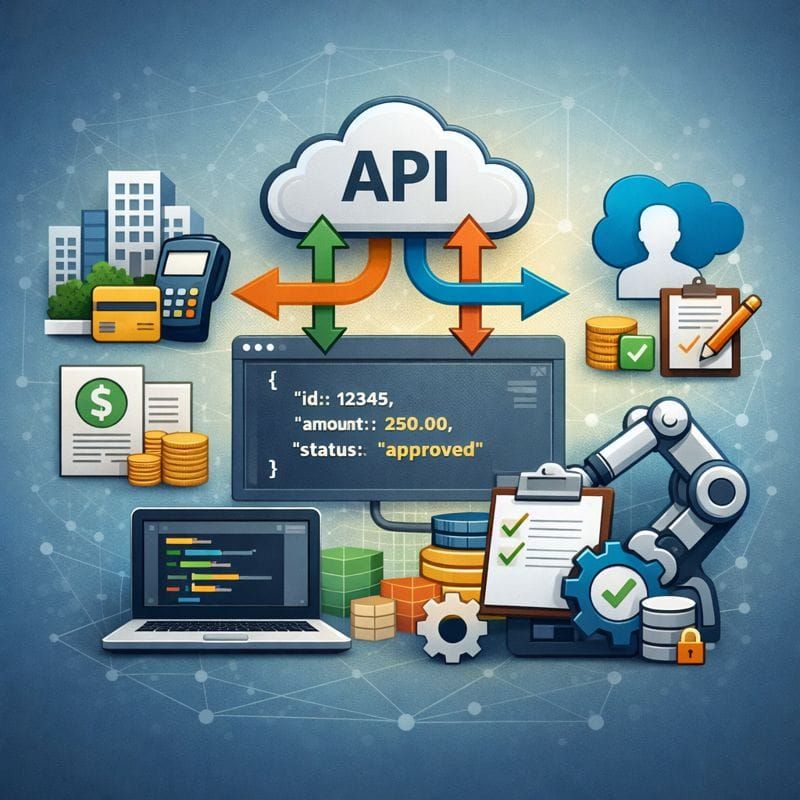
An API (Application Programming Interface) is simply a way for computers to talk to each other.
Instead of:
- Logging into a system
- Clicking buttons
- Downloading files
Your code asks the system directly:
“Hey, give me this data.”
And the system responds.
The Three Things You Almost Always Need
When working with APIs, you usually need three things:
1. An API Key
This is how the system knows who you are.
Think of it as a password your script uses instead of a human.
2. An Endpoint
An endpoint is a specific URL that performs a specific action.
Examples (simplified):
/transactions/vendors/invoices
If APIs were Excel, endpoints would be individual formulas.
3. Parameters
Parameters tell the API what you want:
- Date ranges
- Status filters
- Limits (e.g., “give me 100 records”)
How This Applies to Finance Systems
Modern finance tools are built around APIs.
That includes:
- NetSuite → transactions, journals, vendors
- Ramp → expenses, cards, reimbursements
- Salesforce → opportunities, customers, contracts
Instead of manually exporting reports, APIs let you:
- Pull data on demand
- Schedule scripts to run automatically
- Build repeatable, auditable pipelines
This is where accounting meets real automation.
What API Responses Look Like (JSON)
Most APIs return data in JSON format.
JSON is just a structured text format—similar to a nested dictionary.
To make this concrete, let’s use a public API called JSONPlaceholder. It’s free, requires no API key, and returns realistic sample data.
If we hit this endpoint:
https://jsonplaceholder.typicode.com/posts/1
The response looks like this:
{
  "userId": 1,
  "id": 1,
  "title": "sunt aut facere repellat provident occaecati excepturi optio reprehenderit",
  "body": "quia et suscipit suscipit recusandae consequuntur expedita et cum reprehenderit..."
}
Reading JSON in Python
In Python, the JSON response from an API becomes a dictionary.
Here’s the full example using the public JSONPlaceholder API:
import requests

url = "https://jsonplaceholder.typicode.com/posts/1"
response = requests.get(url)

data = response.json()
At this point, data looks like this (conceptually):
{
    'userId': 1,
    'id': 1,
    'title': 'sunt aut facere repellat provident occaecati excepturi optio reprehenderit',
    'body': 'quia et suscipit suscipit recusandae consequuntur expedita et cum reprehenderit...'
}
Accessing Individual Fields
You can now access individual values using dictionary keys:
title = data["title"]
body = data["body"]

print(title)
print(body)
Output:
sunt aut facere repellat provident occaecati excepturi optio reprehenderit
quia et suscipit suscipit recusandae consequuntur expedita et cum reprehenderit...
Reading Lists of Records
Many APIs return lists of records instead of a single object.
url = "https://jsonplaceholder.typicode.com/posts"
data = requests.get(url).json()

first_post = data[0]
print(first_post)
Output:
{
  'userId': 1,
  'id': 1,
  'title': 'sunt aut facere repellat provident occaecati excepturi optio reprehenderit',
  'body': 'quia et suscipit suscipit recusandae consequuntur expedita et cum reprehenderit...'
}
And you can still access fields the same way:
print(first_post["title"])
Output:
sunt aut facere repellat provident occaecati excepturi optio reprehenderit
Key Takeaway
- JSON objects → Python dictionaries
- JSON arrays → Python lists of dictionaries
💡 If you know how to work with dictionaries and lists, you already know how to read API responses.
This is the same structure you’ll see when pulling real data from NetSuite, Ramp, or Salesforce — just with more fields and nested objects.
APIs Don’t Just Read Data — They Let You Change It
So far, we’ve talked about APIs as a way to pull data.
That’s only half the story.
APIs also allow your code to:
- Create new records
- Update existing ones
- Modify data programmatically
This is what makes APIs central to automation—not just reporting.
In practice, this enables workflows like:
- Creating journal entries automatically
- Updating vendor records
- Syncing data between systems
- Running end-to-end month-end processes
You typically start with read-only access, then enable write permissions carefully as your automation matures.
Keeping API Keys Safe with .env Files
One critical rule when working with APIs:
Never hardcode API keys in your code.
Instead, use environment variables.
Install python-dotenv
pip install python-dotenv
Create a .env file
RAMP_API_KEY=your_real_key_here
NETSUITE_API_KEY=your_real_key_here
Load it in Python
from dotenv import load_dotenv
import os

load_dotenv()
api_key = os.getenv("RAMP_API_KEY")
Now your code can access secrets safely, and they won’t end up in GitHub or shared files.
Why This Matters for Accountants
APIs allow you to:
- Eliminate manual exports
- Build reproducible workflows
- Reduce human error
- Automate real business processes
They turn accounting from process-driven work into logic-driven systems.
Once you understand APIs, spreadsheets stop being the center of gravity.
Closing Thoughts
APIs are not an engineering trick—they’re a business tool.
Once you understand:
- Keys as passwords
- Endpoints as functions
- Parameters as instructions
- JSON as structured output
You unlock a new way to work with financial systems.
And with modern Python tooling, the barrier to entry has never been lower.